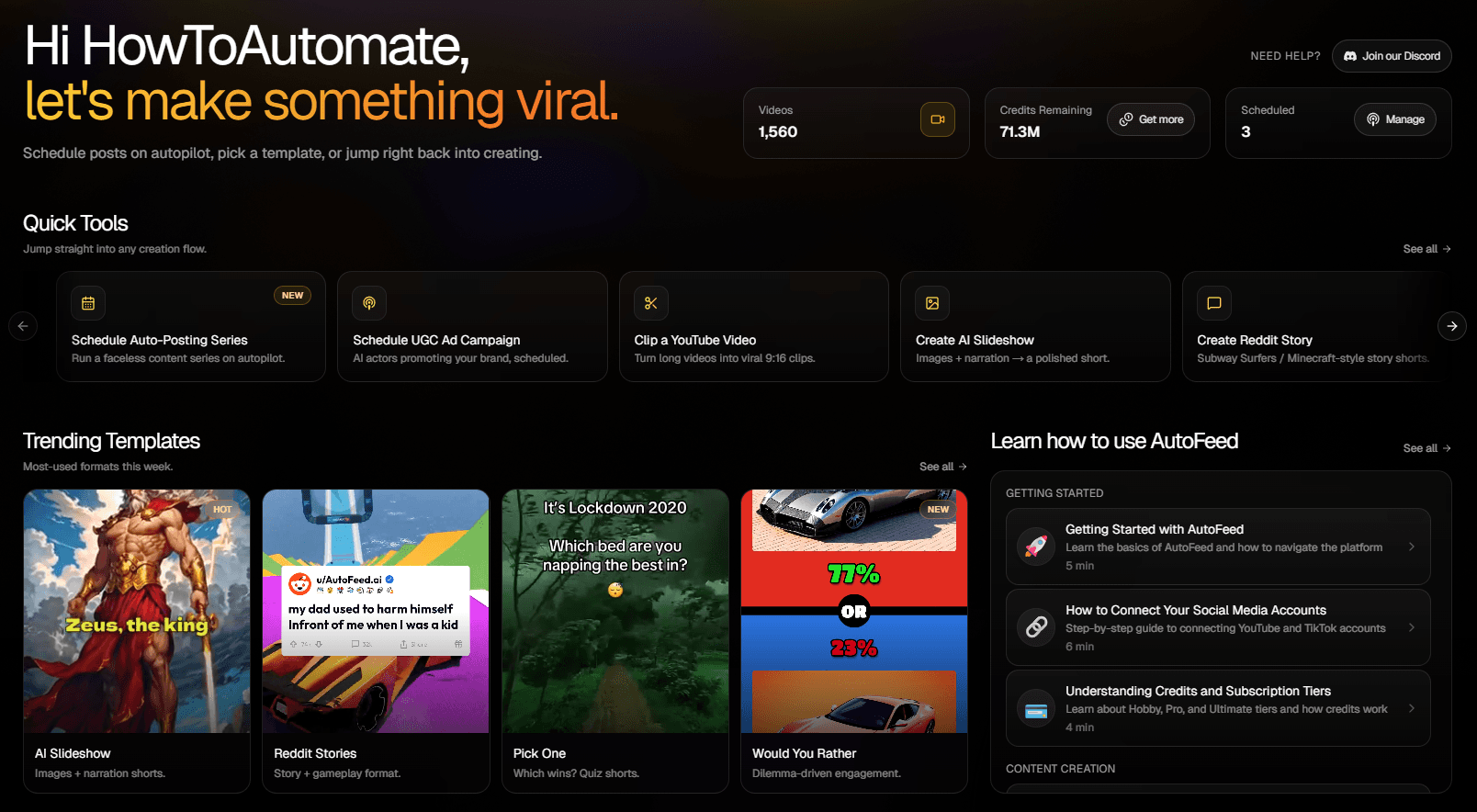
AutoFeed vs Every Other AI Video Generator
Picking a short-form video tool is mostly a question of what happens after the video is rendered. Here is how AutoFeed stacks up against the tools people most often compare it to — including where the other tool is the better choice.
All comparisons
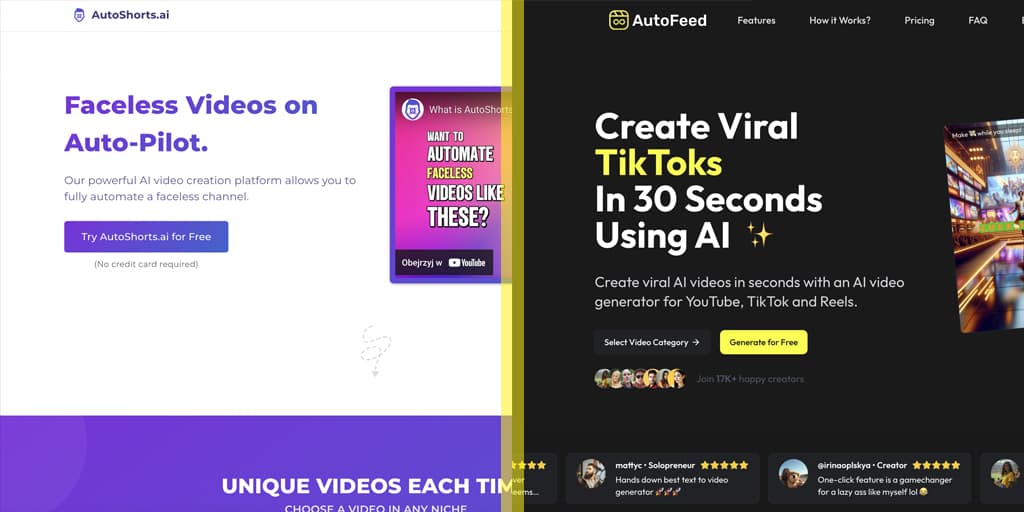
AutoShorts Alternative
AutoShorts is an AI video generator focused on vertical content creation for social media platforms. AutoFeed.ai challenges its approach with 30-second generation times, TikTok-optimized categories, and FLUX AI quality that's accessible at a fraction of the cost.
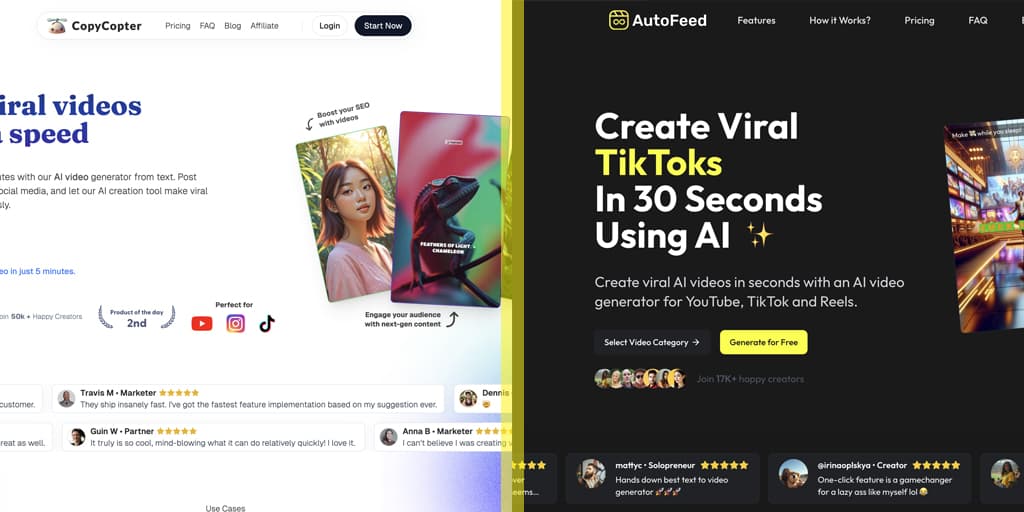
Copycopter Alternative
Make trending faceless videos for TikTok, YouTube Shorts and Reels while staying anonymous.

Pictory Alternative
Transform your ChatGPT prompts into engaging video content instantly, ideal for faceless YouTube creators.
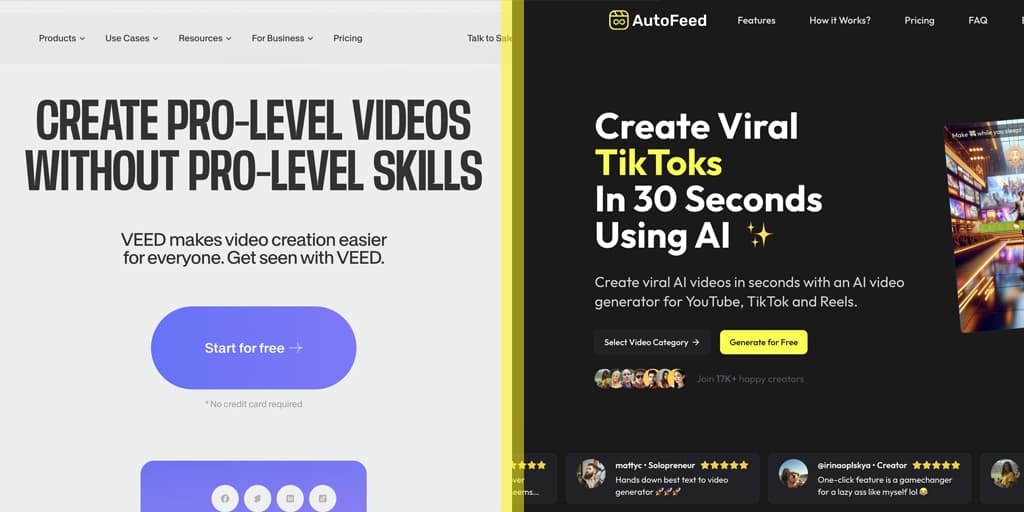
VEED Alternative
Turn any text into viral videos with our text to video AI that helps you create faceless content for TikTok, Reels and Shorts.
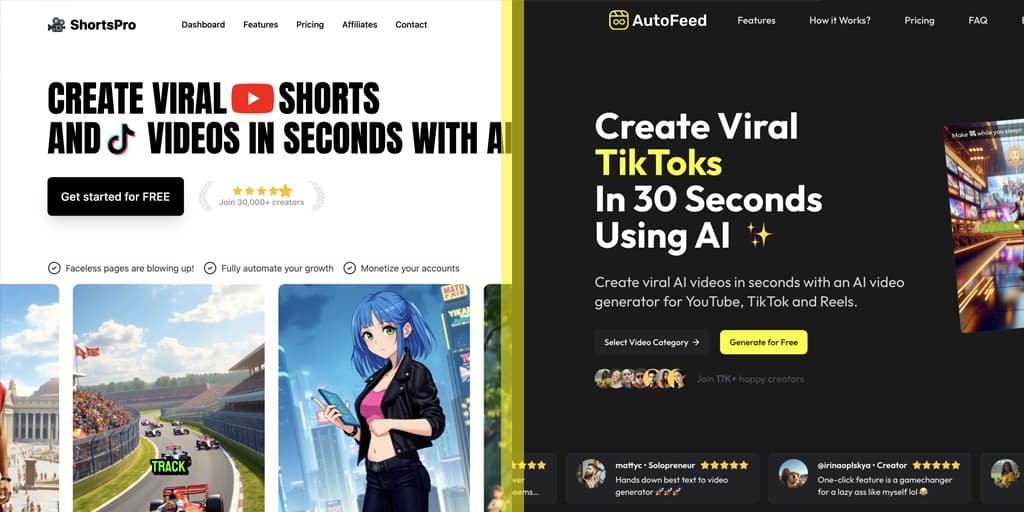
ShortsPro Alternative
Our AI video maker turns your ideas into scroll-stopping content in seconds - no editing skills needed.
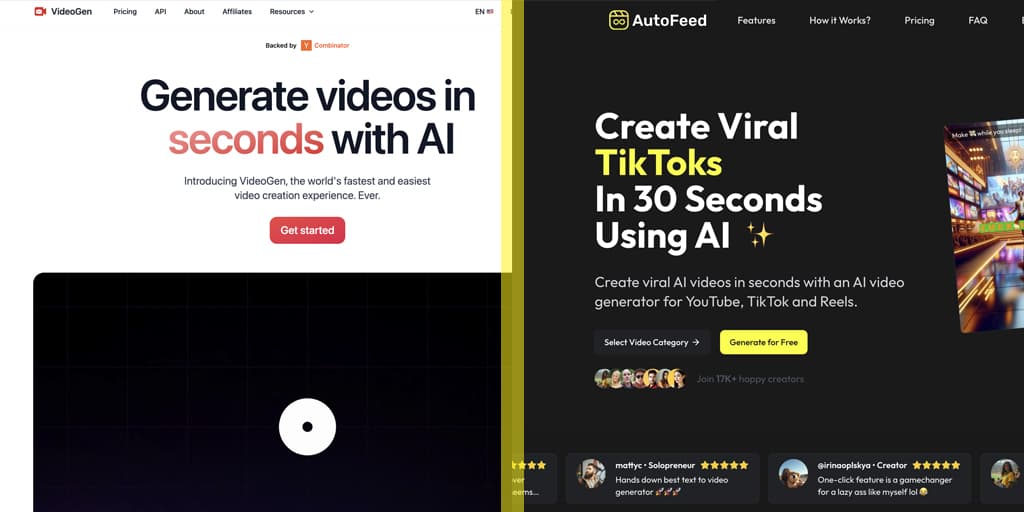
VideoGen Alternative
Start your faceless YouTube channel today and see yourself how much you can earn with a faceless account!
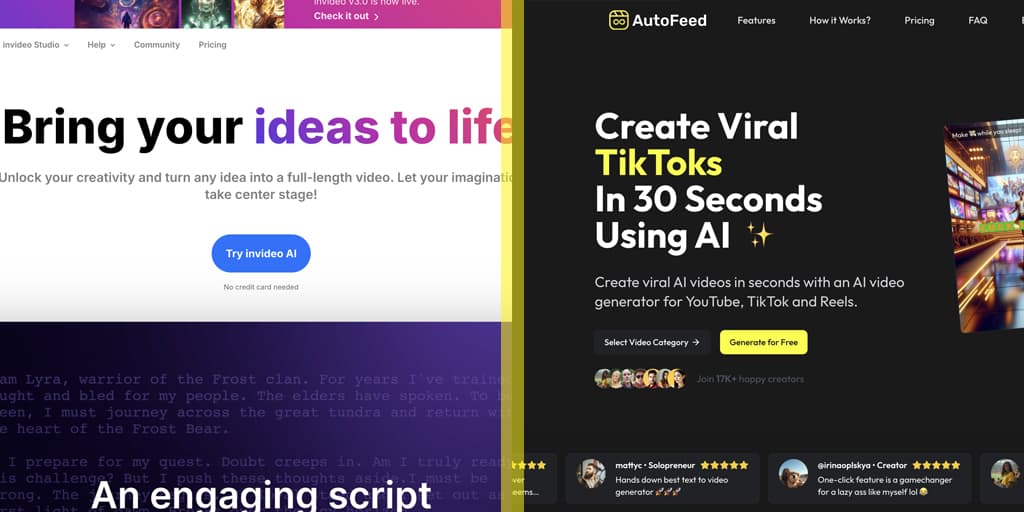
Invideo Alternative
Start your faceless YouTube channel today and see yourself how much you can earn with a faceless account!

Faceless.Video Alternative
Start your faceless YouTube channel today and see yourself how much you can earn with a faceless account!
What Actually Matters When You Compare These Tools
Does it publish, or just export?
A generator that hands you an MP4 still leaves you with the daily job of uploading it. Scheduled publishing to connected accounts is the difference between a tool and a system.
Can it run as a recurring series?
One-off generation is easy. Producing a fresh, non-repetitive video several times a week for months is the part that decides whether a channel actually grows.
How good is the voice?
Synthetic-sounding narration is the fastest way to lose a viewer in the first two seconds. Voice quality matters more than resolution in short-form.
What does the real monthly cost look like?
Compare on videos-per-month at the posting frequency you actually want, not on headline price. Per-render credit systems get expensive at daily volume.
Or Start With What AutoFeed Does
Rather look at capabilities than competitors?
Frequently Asked Questions
What separates AutoFeed from most AI video generators?
Most tools stop at generating a file you then have to download and upload yourself. AutoFeed connects to your TikTok and YouTube Shorts accounts and publishes on a recurring schedule, so a series keeps running without you opening the app.
Which tool should I pick if I only need to edit existing footage?
If your workflow is trimming and captioning footage you already filmed, a dedicated editor is the better fit. AutoFeed is built for creating short-form video from scratch and publishing it continuously — the YouTube clipping feature covers the repurposing case.
Can I move to AutoFeed from another platform without starting over?
Yes. Connect the same social accounts you already publish to, recreate your posting schedule, and pick the template closest to the content you were making. Nothing on your existing channels is affected.
Is there a free way to try it before switching?
You can create an account and generate videos before committing to a paid plan. Check the pricing page for the current plan limits.