Stop Wasting Your Long-Form Content: A Repurposing Playbook for Creators
Why every creator should build a repurposing pipeline - and how to do it with AI

The Repurposing Mindset
Most creators treat each piece of content as a one-shot deal: record, post, move on. The creators who actually grow treat every long-form video as a source file - raw material that gets cut, recombined, and republished across every short-form platform that exists. The mindset shift is simple: you're not in the business of making videos, you're in the business of mining attention. One hour of recording can produce a week of distribution if you set up the pipeline right.
From One Podcast to 50 Shorts: The Math of Content Multiplication
Here's the math that makes repurposing irresistible:
- One 60-minute podcast typically contains 8-12 distinct viral moments (strong takes, funny exchanges, controversial opinions, useful insights)
- Each moment becomes a 30-60 second short for TikTok, YouTube Shorts, and Instagram Reels (3 platforms)
- That's potentially 24-36 individual short-form posts from one recording
- Add in transcript-based blog posts, quote graphics, and audiograms, and you're easily at 40-50 distinct pieces of content
From one hour of work. The creators making it look easy aren't producing more content - they're squeezing more content out of the same source material.
Manual vs AI-Powered Repurposing
Manual repurposing works, but it's brutal:
- Watch the entire source video looking for highlights (1-2 hours)
- Note timestamps, transcribe key sections (30-60 min)
- Cut clips in DaVinci or Premiere (1-2 hours)
- Add captions, hooks, and re-render for each platform (1-2 hours)
- Upload and schedule each one (30 min)
Total: 4-7 hours per source video. No wonder most creators give up after week one.
AI-powered repurposing collapses all of that into a 5-minute setup. The AI handles transcription, viral moment detection, cutting, captioning, and rendering. The creator's job becomes choosing the source video, picking which generated clips to actually post, and scheduling them. It turns repurposing from a chore into a habit.
Where AutoFeed.ai's YouTube Clips Fits
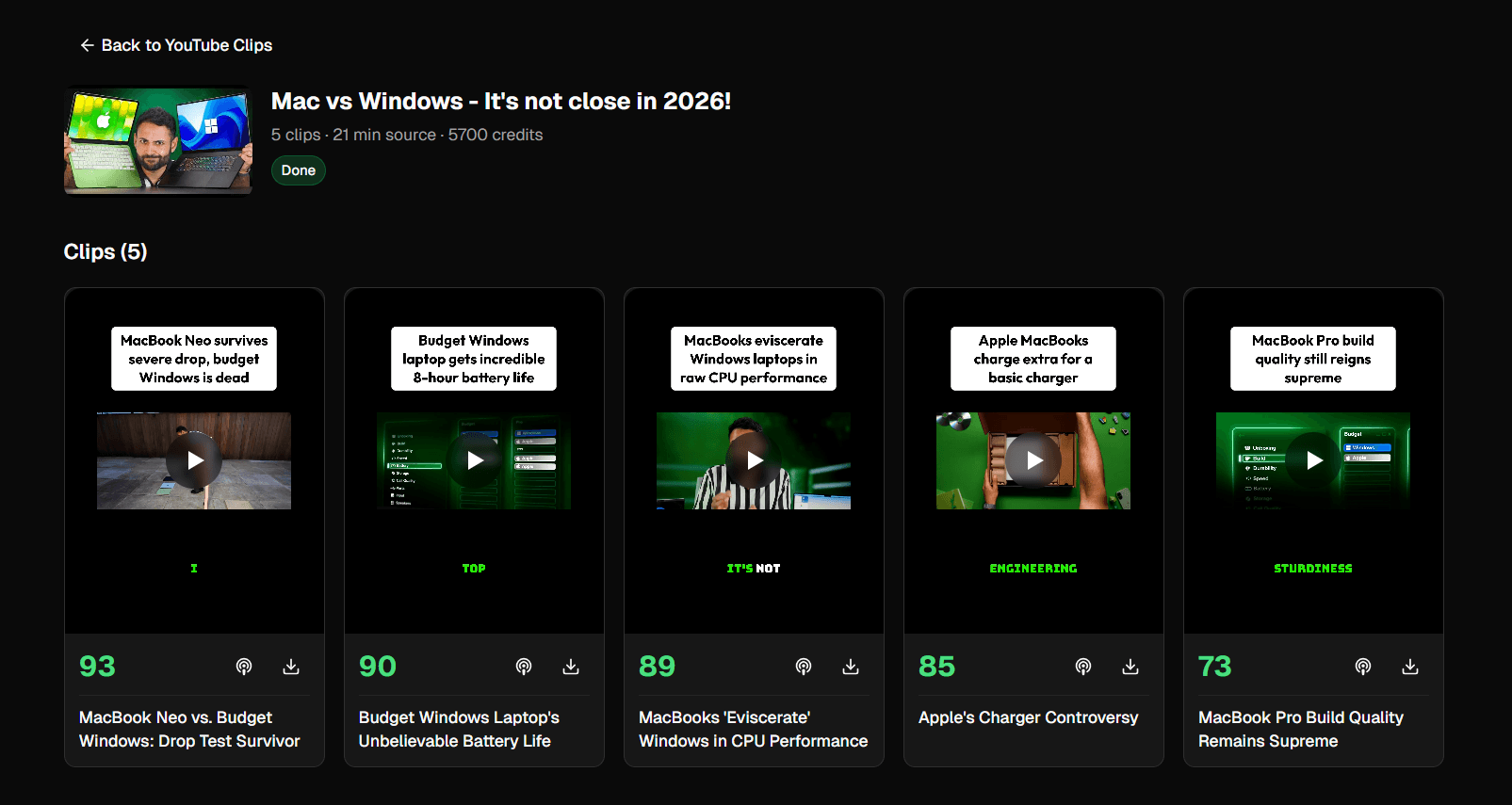
AutoFeed's YouTube Clips feature is purpose-built for this workflow. Paste any YouTube URL, configure how many clips you want and what duration, and AutoFeed:
- Downloads the source video
- Transcribes the audio with word-level timestamps
- Uses AI to identify the most viral moments (graded on Hook, Flow, Value, and Trend criteria)
- Cuts each moment with FFmpeg (lossless)
- Re-renders with burned-in captions and an optional hook overlay
- Outputs vertical, horizontal, or square format ready for any platform
Each clip comes back with a virality score so you know which ones are worth posting. You can then upload directly, download, or schedule them across the week - all from inside AutoFeed.
Combining Repurposed Clips with Original Faceless Content
The smartest creators don't choose between repurposing and original content - they run both. A typical week might look like:
- 3 days of repurposed YouTube clips from one weekly podcast or interview
- 2 days of faceless content (AI Slideshows, Pick One, Reddit Stories) that hits the algorithm at different angles
- 1 day of UGC ad for monetization
- 1 rest day (or use the auto-posting series to fill it)
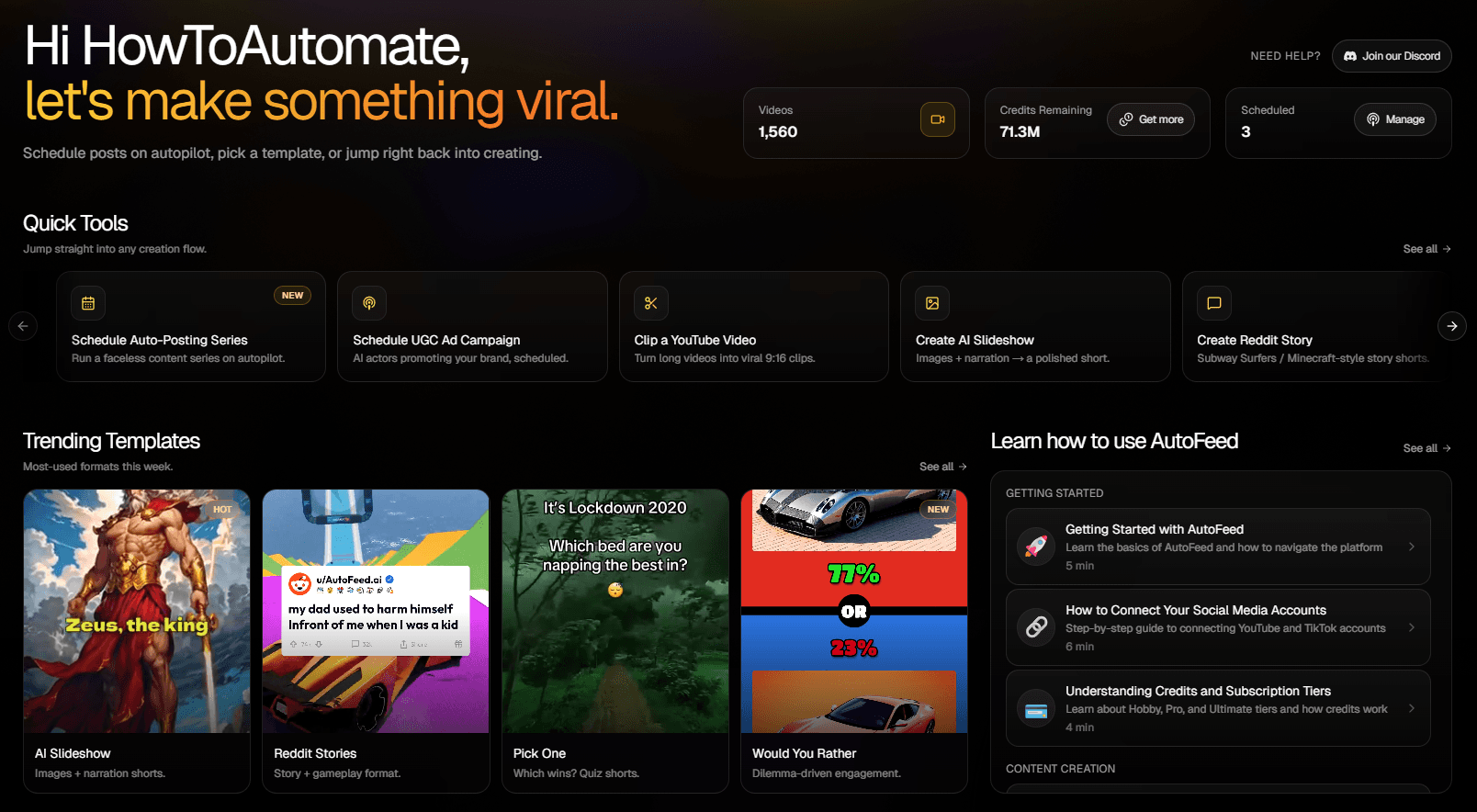
AutoFeed lets you produce all of these from one dashboard. The faceless templates fill the days where you don't have new podcast material. The YouTube Clips feature fills the days where you do. Combined, you're posting 6-7 days a week without ever feeling content-starved.
A Weekly Content Workflow
Here's a battle-tested weekly workflow for creators using AutoFeed:
Monday morning (15 min): Record or upload one long-form source - a podcast episode, an interview, a stream highlight reel, or a tutorial.
Monday afternoon (5 min): Submit the source URL to YouTube Clips. Generate 6-8 clips. Walk away.
Tuesday morning (10 min): Review the clips. Filter by virality grade - keep only A and A+ scores. Schedule them across the next 5-7 days using AutoFeed's calendar.
Tuesday afternoon (10 min): Set up a Pick One or AI Slideshow series for the days where you want extra content. Configure auto-posting and walk away.
Total: 40 minutes a week. The result: 6-7 posts per day across multiple platforms, all distributed automatically. That's the kind of cadence that used to require a team.
Final Thoughts
You're already making the content. The question is whether you're extracting all the value from it - or leaving 90% of your potential reach buried in 60-minute videos that 200 people watched once. Try AutoFeed.ai and start turning every long-form recording into a week of distribution.
Latest from Blog

How to Turn Long YouTube Videos into Viral Clips with AI
Repurpose podcasts, interviews, and long-form videos into viral shorts in minutes

How to Create 'Pick One' Videos That Drive Massive Engagement
The forced-choice format that dominates For You pages on TikTok and Reels

How to Set Up Automated UGC Ad Campaigns for Social Media
Automate your UGC ad creation and posting with AutoFeed.ai campaigns