Learn More
Faceless Videos
Create viral faceless videos across 28 categories and auto-post them to TikTok and YouTube Shorts.
OpusClip is a specialist tool for cutting long videos into short clips with captions and a virality score. AutoFeed.ai includes YouTube clipping on its Pro and Ultimate plans, alongside faceless series and AI video, all posted to TikTok and YouTube.
Clips From Any YouTube Video
Paste a link, pick 1 to 8 clips, and AI selects the moments, adds captions and a hook.
Original Videos Between Uploads
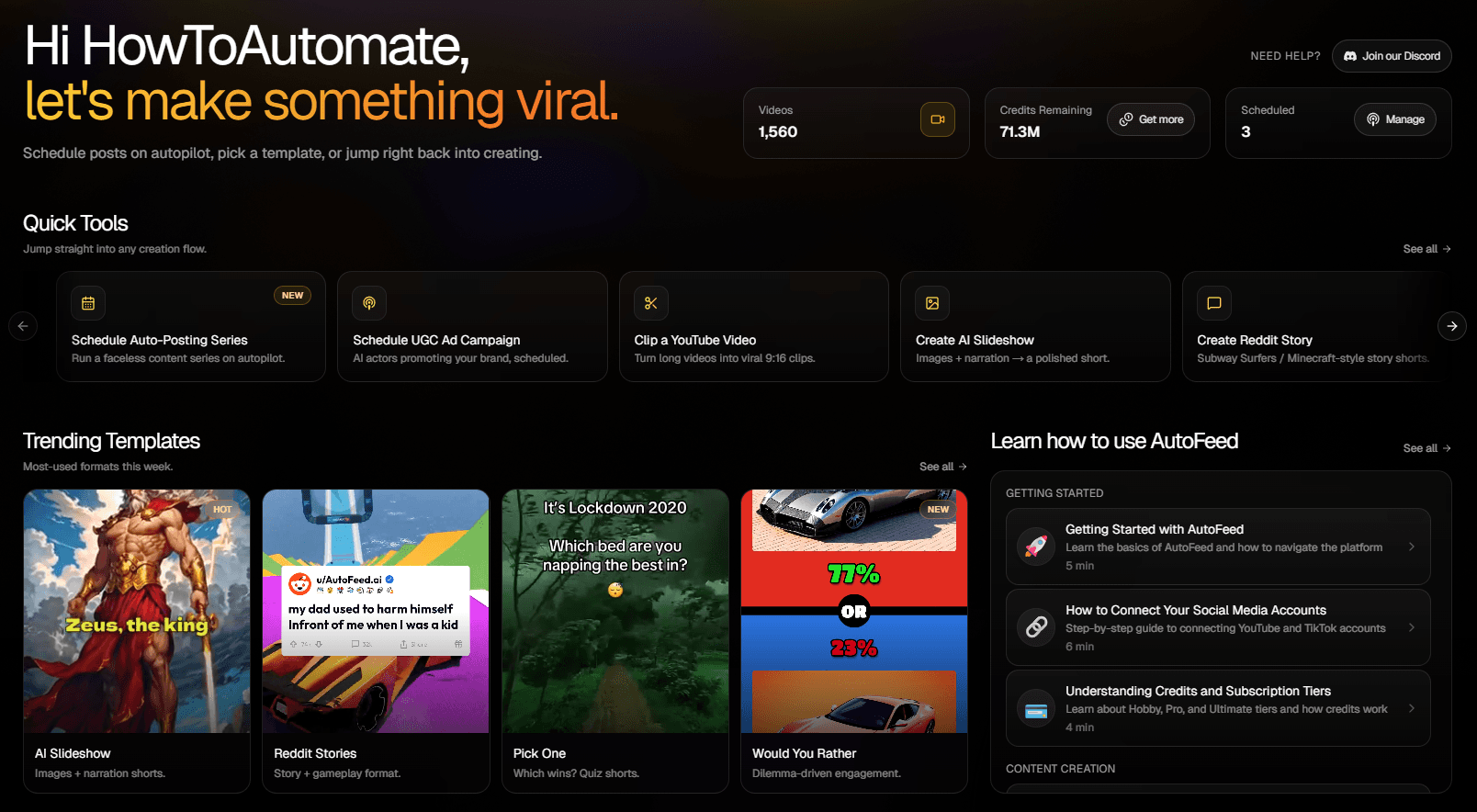
Faceless series and AI video clips keep the channel posting even when there is nothing new to clip.
One Schedule for Everything
Clips, series videos and AI clips post to TikTok and YouTube now or at a time you choose.

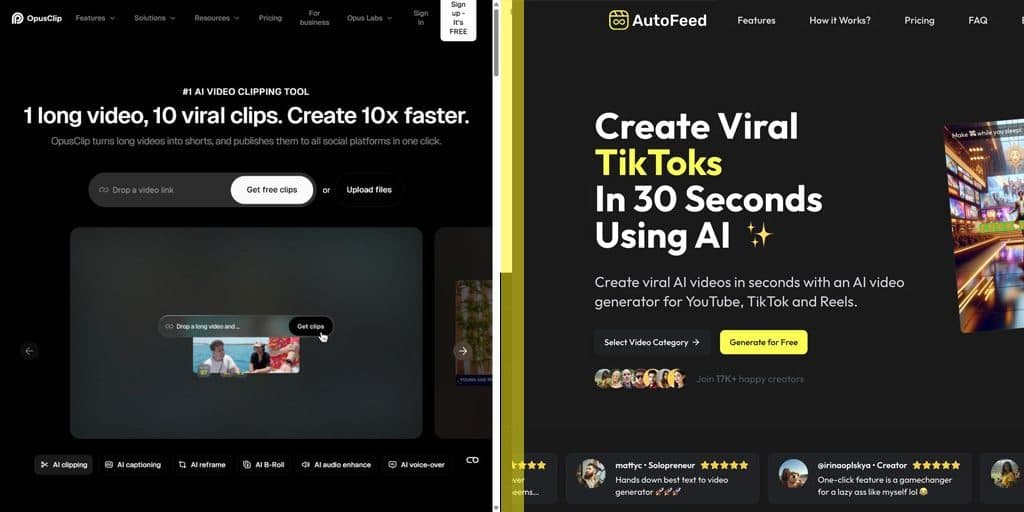
OpusClip vs. AutoFeed.ai 🥇
Clipping Plus Original Content
OpusClip turns long videos you already have into shorts. AutoFeed's YouTube Clips does the same job (paste a YouTube link, AI picks the best moments, adds captions and a hook) and the same plan also makes original faceless videos and AI clips, so a channel can post even when there is no new long video to cut.
How AutoFeed Clipping Works
Paste a YouTube URL for a video up to 60 minutes long and choose 1 to 8 clips. A job costs 4,500 to 8,000 credits depending on the number of clips, captions come in 13 styles, and clips can be posted to TikTok or YouTube now or at a scheduled time.
Where OpusClip Is Stronger
If clipping is the whole job, OpusClip is the specialist and the cheaper option: its Starter plan is $15 a month with auto-posting to YouTube Shorts, TikTok and Instagram Reels, and Pro adds a scheduler, more aspect ratios and team seats. AutoFeed clipping starts on the $59 Pro plan.
Who Should Use OpusClip 🤔
Creators With a Back Catalogue
YouTubers and podcasters who want shorts from their long videos and original faceless content from the same account.
Channels That Need Daily Output
A Pro plan posts once a day, so clips from long videos and faceless series fill the same schedule.
Clipping-Only Teams
If you only repurpose long videos and want Instagram, LinkedIn or X publishing, OpusClip covers more platforms. AutoFeed posts to TikTok and YouTube.
How Much Does OpusClip Cost? 💰
OpusClip Free - $0
60 credits a month, clips up to 1080p with a watermark, no editing, and clips stop being exportable after 3 days. Per opus.pro/pricing on October 20, 2026.
OpusClip Starter - $15/month
150 credits a month, billed monthly only. Watermark removed, AI captions in 20+ languages and auto-posting to YouTube Shorts, TikTok or Instagram Reels.
OpusClip Pro - $29/month, or $14.50/month billed $174 a year
300 credits a month that roll over for 2 months, a social media scheduler, 9:16, 1:1 and 16:9 output and a 2-seat team workspace. Business plans are custom.
Best OpusClip Alternatives 🔄
AutoFeed is the OpusClip alternative for creators who want clipping and original faceless content from one plan, posted to TikTok and YouTube.
What Should You Choose To Create Viral Faceless Videos? ⚖️
Choose OpusClip if repurposing long videos is all you do. Choose AutoFeed if you also want the channel to keep posting original videos between uploads.
Pick a template, customize, watch the preview, and start creating in minutes.
Faceless Videos
Create viral faceless videos across 28 categories and auto-post them to TikTok and YouTube Shorts.
AI UGC Ads
Use human-like AI actors to create professional UGC ads that drive conversions.
YouTube Clipping
Turn any long YouTube video into viral short-form clips with captions and formatting.
AI Videos
Generate stunning videos from text or images using Veo 3.1, Kling 3.0, Seedance 2.0 and more state-of-the-art AI models.
For clipping alone, OpusClip is hard to beat on price. AutoFeed.ai is the alternative when you also want original faceless videos and AI clips: its Pro plan ($59/month) includes YouTube clipping, faceless series and AI video, posted to TikTok and YouTube.
Per opus.pro/pricing on October 20, 2026: Free ($0, 60 credits, watermark), Starter $15/month (150 credits, monthly billing only), Pro $29/month or $14.50/month billed $174 a year (300 credits), and custom Business plans.
Pro ($59/month, 60,000 credits) and Ultimate ($249/month, 180,000 credits). Each job costs 4,500 to 8,000 credits depending on how many clips (1 to 8) you ask for, for videos up to 60 minutes long.
Each clip can be posted to a connected TikTok or YouTube account straight away or scheduled for a date and time.