Celebrity Facts Faceless Video Generator
One named celebrity, one surprising documented fact — the job before fame, the year, the incident — and a payoff. Upbeat, fast, and never a word about their private life that is not on the record.

Celebrity Facts Videos Made With AutoFeed
Real videos from Celebrity Facts series, most viewed first. Each one opens with its script and the settings it was made with.
How Zendaya Went from Disney Star to Emmy Winner
How Zendaya Went from Disney Star to Emmy Winner
Celebrity Facts
How Zendaya Went from Kid Star to Emmy Winner
How Zendaya Went from Kid Star to Emmy Winner
Celebrity Facts
From Disney Star to Pop Icon: Miley Cyrus’ Wild Ride
From Disney Star to Pop Icon: Miley Cyrus’ Wild Ride
Celebrity Facts
Selena Gomez: From Disney Star to Pop Icon
Selena Gomez: From Disney Star to Pop Icon
Celebrity Facts
How Selena Gomez Went From Disney Star to Global Icon
How Selena Gomez Went From Disney Star to Global Icon
Celebrity Facts
From Disney Kid to Pop Queen: Selena Gomez’s Incredible Journey
From Disney Kid to Pop Queen: Selena Gomez’s Incredible Journey
Celebrity Facts
From Child Star to Billionaire: Rihanna's Wild Journey
From Child Star to Billionaire: Rihanna's Wild Journey
Celebrity Facts
From Disney Star to Pop Icon: Miley Cyrus's Incredible Journey
From Disney Star to Pop Icon: Miley Cyrus's Incredible Journey
Celebrity Facts
Why Celebrity Facts Works As A Faceless Channel
Celebrity content has the largest built-in audience on every platform and the lowest barrier to a click: the viewer already knows the name. What it lacks, in most faceless channels, is anything true. "Before Breaking Bad, Bryan Cranston lived in his car" is a fact a viewer can check and will repeat; "sources say" is not.
The preset is written to stay on the documented side of that line — a specific year, a place, a job, an incident that is on the record — with no invented quotes and no private-life speculation. That is both the safer channel and, in practice, the more shareable one.
What The Celebrity Facts Preset Tells The Writer
Every category tile in the editor carries a brief the script writer is held to. This is the Celebrity Facts brief, paraphrased from the shipped prompt.
One named celebrity and one surprising, verifiable fact per video — a specific year, place, pre-fame job or documented incident.
Build the whole video around that one fact and its payoff.
No invented quotes and no private-life speculation.
Upbeat and fast.
Recommended Settings For Celebrity Facts
Each of these is a real option in the editor. Change any of them; these are the starting point that suits the niche.
- Art style
- Realistic or Comic
- Realistic for red carpets and cities. Comic when you want the channel to read as pop culture rather than tabloid.
- Caption style
- TikToker, Barbie or Neon
- Bright, fast faces for a bright, fast niche. Neon for music, Barbie for film and TV, TikToker as the all-rounder.
- Voice filter
- Social Media or Conversational
- Energetic and quick. This is the one niche where the upbeat voices are the right pick.
- Background music
- Happy or Focused Viral
- Upbeat beds that keep pace with the narration without fighting it.
- Particles
- Glowy or None
- A light sparkle suits award shows and stages; leave it off for anything documentary.
- Duration target
- 15 to 30 seconds (1,000 credits)
- The default, and where most channels should live. Step up to 45-60 (1,200 credits) once a subject proves it can hold, and to 60-90 (1,500) only if you are chasing TikTok Creator Rewards, which pays on original video over a minute.
Opening Lines In This Niche
The brief forbids opening with a question or addressing the viewer. A Celebrity Facts script starts inside a concrete detail, like these. They show the shape; every render writes its own.
- Before Breaking Bad made him famous at 52, Bryan Cranston spent two years in the 1970s riding a motorcycle across America with his brother, living on the road.
- Harrison Ford was a carpenter in his mid-thirties installing a door at Francis Ford Coppola’s offices when George Lucas asked him to read lines for Star Wars.
- In 2011 Ryan Gosling broke up a street fight in New York while wearing a striped tank top, and a bystander filmed it.
- Christopher Walken toured with a circus as a lion tamer at 15, and the lion’s name was Sheba.
- Steve Buscemi was a New York City firefighter for four years before he acted, and after 11 September 2001 he went back to his old firehouse and worked 12-hour shifts digging through the rubble.
- Vera Wang did not design her first dress until she was 40, after failing to make the 1968 U.S. Olympic figure-skating team.
How A Celebrity Facts Series Runs
The niche is one tile in the AI slideshow editor. Everything else is the same pipeline every slideshow uses.
- Step 1
Pick the preset
Start a new series, choose AI Slideshow and select the Celebrity Facts tile. The brief above is attached to every script the series writes; you can also add your own instructions on top of it.
- Step 2
Set the look and the voice
Choose an art style, a caption style, a voice from the ElevenLabs picker, background music and particles. The settings above are the ones that suit this niche; all of them can be changed per video or per series.
- Step 3
Schedule it
Connect your accounts, pick the days and the whole-hour slots, and the series writes, narrates, illustrates and publishes a new video at each one. Review each video first, or let it run.
Celebrity Facts Questions, Answered
Can I get in trouble for making videos about real people?
Documented, public facts about public figures — roles, careers, on-the-record events — are the standard material of entertainment journalism and are fine on both platforms. The preset is written to stay there: no invented quotes and no speculation about private lives. Defamatory or fabricated claims are a different matter, on any platform, which is why the brief forbids them and why the script box is editable before a render.
Will the AI images look like the actual celebrity?
No. The images are generated from the script through a content filter and produce a figure that suits the scene, not a likeness you could mistake for a photograph of the person. Channels in this niche lean on settings — a stage, a film set, a 1970s motorcycle — rather than faces, and the Comic style makes that a deliberate look.
Can a celebrity facts channel run without me every week?
Yes. Create a series, choose the "Celebrity Facts" tile, pick the days and the whole-hour slots you want, and AutoFeed writes a new script, renders a new video and publishes it to your connected TikTok and YouTube Shorts accounts in your own timezone. Plans cap a series at 3, 7 or 14 posts per week, and every video can be reviewed and edited before it goes out or left fully automatic.
What does one video in this niche cost?
The same as any AI slideshow: 1,000 credits at the 15-30 second target, 1,200 at 45-60 and 1,500 at 60-90, with static images and camera drift. Turning on Animated Images converts every still into a generated clip and prices the video per clip instead — 2,400, 4,800 or 7,200 credits at those three lengths. The niche you pick does not change the price.
Can I write the script myself and only use the preset for the visuals?
Yes. Generate once to see the shape the preset produces, then overwrite the script box — or skip the preset entirely and start from the Custom Series Brief tile with your own text. The narration, the images and the captions are built from whatever is in that box when you render.
Other Niches Worth A Look
Plans run two to five series at once, and channels that pair a niche with a neighbouring one tend to keep the same audience.

Top 5 Lists
Five entries, one theme, one hard fact each. The countdown is the retention device.

Crazy Animals
Real species, documented facts, one astonishing number per video. Fast and astonishing.

Cat Stories
One cat, one story, one payoff. Warm and funny — the internet’s favourite subject, scripted.

Kids Stories
Wholesome, educational stories with a positive message. Cheerful, friendly, parent-safe.

Italian Brainrot
Tralalero Tralala, Bombardiro Crocodilo and friends in a short absurd story — in Italian, as the meme demands.
Movie Reviews
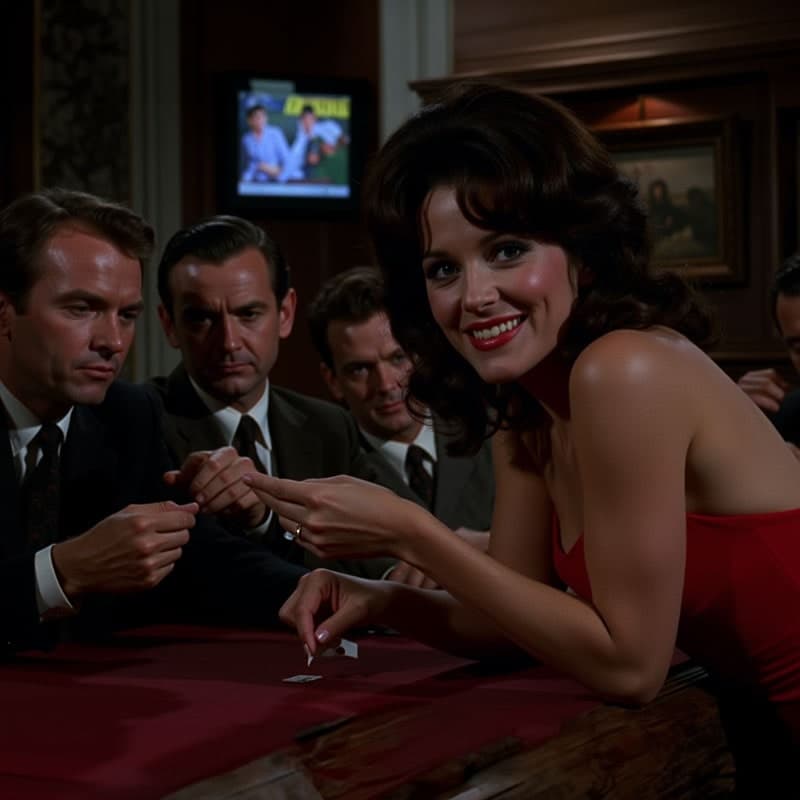
One film, one documented production fact or number. Insight, not plot recap.