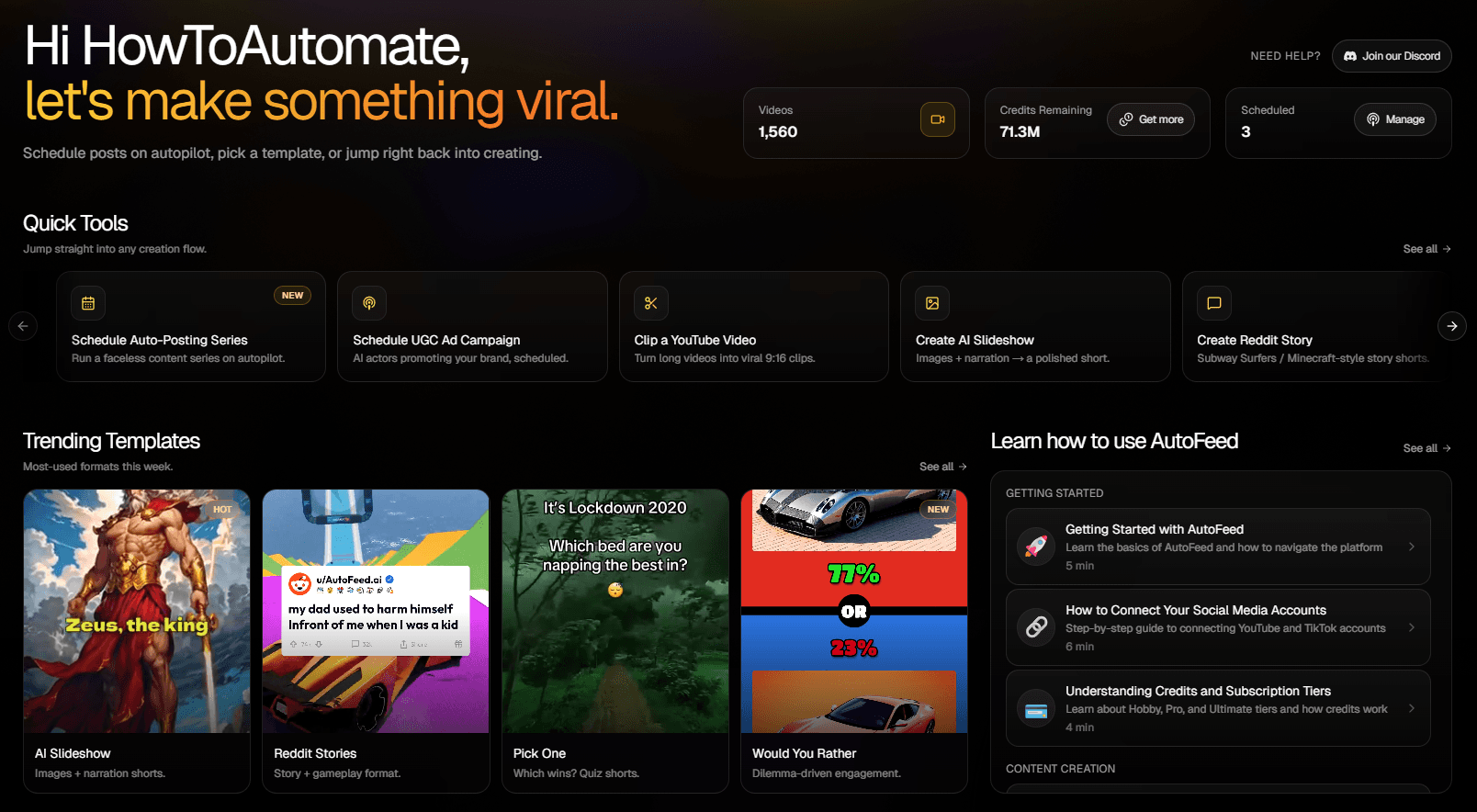
Tech Faceless Video Generator
One named, real technology or product per video and what it concretely does — solid-state batteries that charge to 80 per cent in about ten minutes. Anchored on a real capability or number, built around the single most impressive thing. Forward-looking, grounded, no hype.

New Technologies Videos Made With AutoFeed
Real videos from New Technologies series, most viewed first. Each one opens with its script and the settings it was made with.
 203
203ASML's Extreme Ultraviolet Machine: Printing at 13.5 Nanometers
New Technologies
 112
112The Surprising Dark Side of AI Voice Cloning
New Technologies
 75
75The Mind-Blowing Power of GPT-4 Turbo
New Technologies
This AI Lawyer Won Its First Court Case
This AI Lawyer Won Its First Court Case
New Technologies
Why Smart Homes Might Be Dangerous
Why Smart Homes Might Be Dangerous
New Technologies
Why Your Smartphone Might Be Outdated Sooner Than You Think
Why Your Smartphone Might Be Outdated Sooner Than You Think
New Technologies
This New AI Can Steal Your Job in Seconds
This New AI Can Steal Your Job in Seconds
New Technologies
Why AI Could Replace Your Job Sooner Than You Think
Why AI Could Replace Your Job Sooner Than You Think
New Technologies
Why New Technologies Works As A Faceless Channel
Tech is a high-CPM niche with an audience that skews toward exactly the demographic advertisers want, and it refreshes itself: there is a new thing to explain every week. It is also one of the few niches where a faceless format has no disadvantage against a presenter — nobody needs to see a face to understand what a solid-state battery does.
The failure mode is hype — "this will change everything" over a render of a chip. The preset is written for the concrete: a real, named technology, what it actually does, and one capability or number that is genuinely impressive.
What The New Technologies Preset Tells The Writer
Every category tile in the editor carries a brief the script writer is held to. This is the New Technologies brief, paraphrased from the shipped prompt.
One named, real technology or product per video and what it concretely does and why it matters.
Anchored on the real technology and a concrete capability or number.
Built around the single most impressive thing.
Forward-looking, grounded, no hype.
Recommended Settings For New Technologies
Each of these is a real option in the editor. Change any of them; these are the starting point that suits the niche.
- Art style
- Realistic or Cyberpunk
- Realistic for products and labs; Cyberpunk for anything that does not exist as a photograph yet.
- Caption style
- Neon or Glow
- The two faces that read as tech. Classic 1 if the channel is more news than futurism.
- Voice filter
- News or Conversational
- Informed and even. Hype is the thing the brief forbids.
- Background music
- Focused Viral or Assumptions
- Electronic, rhythmic, low.
- Particles
- Warp or Glowy
- Motion that reads as data and light.
- Duration target
- 15 to 30 seconds (1,000 credits)
- The default, and where most channels should live. Step up to 45-60 (1,200 credits) once a subject proves it can hold, and to 60-90 (1,500) only if you are chasing TikTok Creator Rewards, which pays on original video over a minute.
Opening Lines In This Niche
The brief forbids opening with a question or addressing the viewer. A New Technologies script starts inside a concrete detail, like these. They show the shape; every render writes its own.
- A solid-state battery replaces the liquid electrolyte in a lithium-ion cell with a ceramic or polymer, and the cells being tested for cars charge to 80 per cent in roughly ten minutes.
- The James Webb Space Telescope’s mirror is 6.5 metres across, folded to fit a rocket, and it sits 1.5 million kilometres from Earth where it cannot be repaired.
- A modern smartphone chip built on a "3-nanometre" process holds around 20 billion transistors, and the name is marketing — no feature on the chip is actually 3 nanometres wide.
- Starlink satellites orbit at about 550 kilometres, low enough that a signal round-trip takes roughly 25 milliseconds — faster than most cable.
- CRISPR lets a researcher cut DNA at a chosen sequence using a guide of about 20 letters, and the first approved treatment using it reached patients in 2023.
- A single ASML EUV lithography machine costs around $200 million, weighs about 180 tonnes, and there is only one company on Earth that makes them.
How A New Technologies Series Runs
The niche is one tile in the AI slideshow editor. Everything else is the same pipeline every slideshow uses.
- Step 1
Pick the preset
Start a new series, choose AI Slideshow and select the New Technologies tile. The brief above is attached to every script the series writes; you can also add your own instructions on top of it.
- Step 2
Set the look and the voice
Choose an art style, a caption style, a voice from the ElevenLabs picker, background music and particles. The settings above are the ones that suit this niche; all of them can be changed per video or per series.
- Step 3
Schedule it
Connect your accounts, pick the days and the whole-hour slots, and the series writes, narrates, illustrates and publishes a new video at each one. Review each video first, or let it run.
New Technologies Questions, Answered
How does the preset avoid hype?
The brief asks for a named, real technology and what it concretely does, anchored on a specific capability or number, and it says grounded, no hype. That rules out "this will change everything" by construction — the writer has to say what the thing does. Numbers in fast-moving fields go stale, so a tech channel should read each script for currency before it renders.
Can I run this as a daily tech news channel?
As an explainer channel, yes — one technology per video, published daily. It is not a news wire: the writer draws on what it knows rather than on today’s headlines, so it will explain what a solid-state battery is better than it will cover this morning’s product launch. For breaking news you would paste your own script into the script box.
Can a tech channel run without me every week?
Yes. Create a series, choose the "New Technologies" tile, pick the days and the whole-hour slots you want, and AutoFeed writes a new script, renders a new video and publishes it to your connected TikTok and YouTube Shorts accounts in your own timezone. Plans cap a series at 3, 7 or 14 posts per week, and every video can be reviewed and edited before it goes out or left fully automatic.
What does one video in this niche cost?
The same as any AI slideshow: 1,000 credits at the 15-30 second target, 1,200 at 45-60 and 1,500 at 60-90, with static images and camera drift. Turning on Animated Images converts every still into a generated clip and prices the video per clip instead — 2,400, 4,800 or 7,200 credits at those three lengths. The niche you pick does not change the price.
Can I write the script myself and only use the preset for the visuals?
Yes. Generate once to see the shape the preset produces, then overwrite the script box — or skip the preset entirely and start from the Custom Series Brief tile with your own text. The narration, the images and the captions are built from whatever is in that box when you render.
Other Niches Worth A Look
Plans run two to five series at once, and channels that pair a niche with a neighbouring one tend to keep the same audience.

Psychology Facts
One named effect or study, one documented finding. Real psychology, no myths.

Religion & Prayers
One story, figure or prayer from a named tradition, told respectfully and factually.
True Crime
Documented, resolved cases told investigation-style — no invented motives, no speculation.

History Facts
Lesser-known, dated events — the secret-from-the-past register, never the textbook.

Scary Stories
Real-world folklore and unexplained cases over generic ghosts. Dark, tense, specific.

Conspiracy Theories
Documented facts and open questions on a named theory. "Some believe", never "this proves".