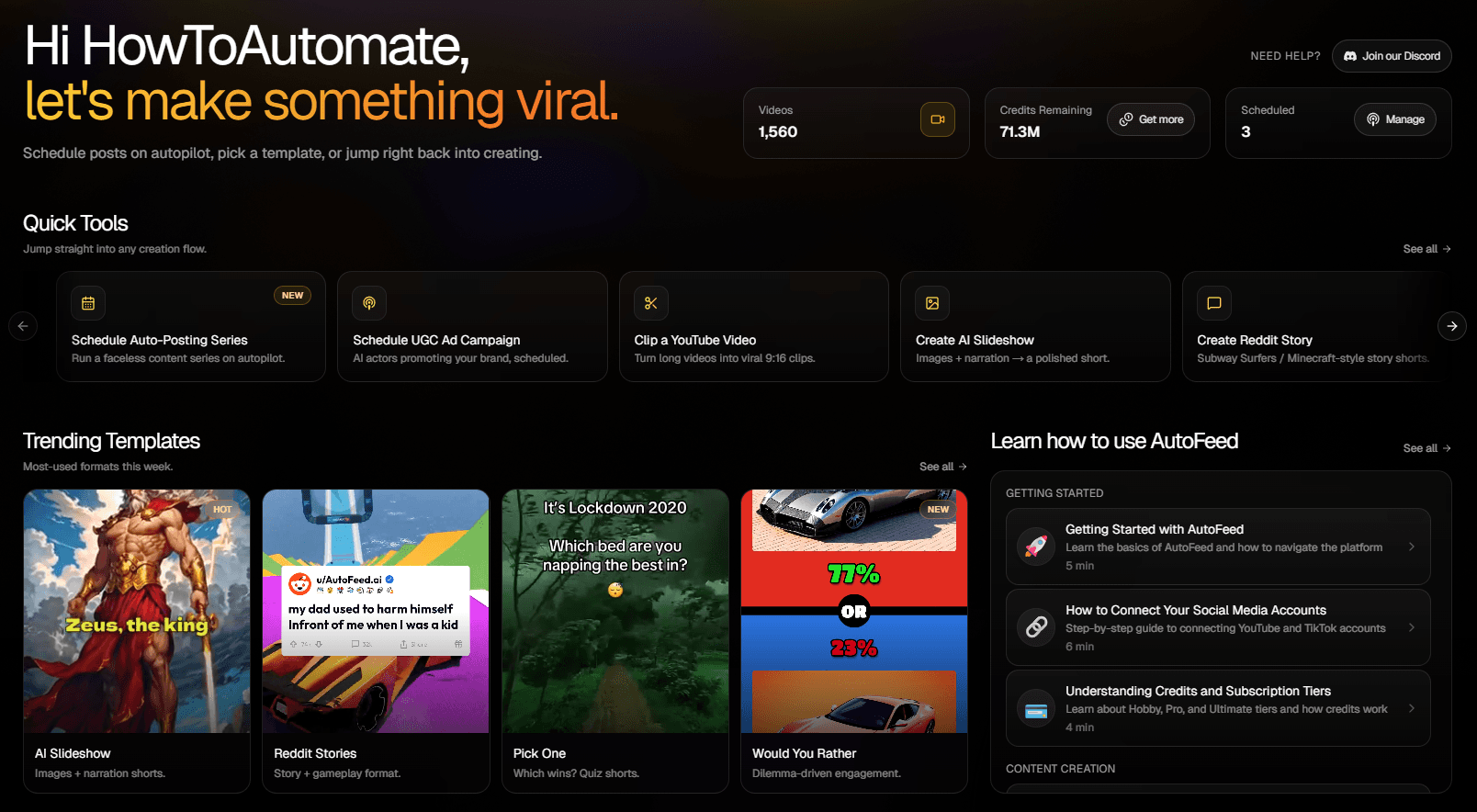
Car Facts Faceless Video Generator
One named car and one detail an enthusiast would argue about — the only rotary to win Le Mans, the engine that was banned. Real makes, real models, real numbers, told like an expert who genuinely loves cars.
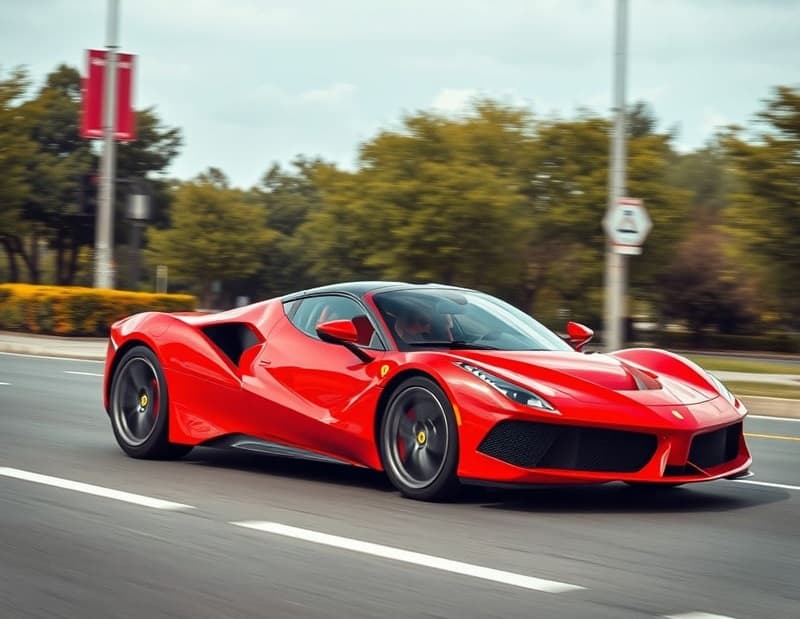
Car Reviews Videos Made With AutoFeed
Real videos from Car Reviews series, most viewed first. Each one opens with its script and the settings it was made with.
Why the Toyota Prius Outsmarts Supercars
Why the Toyota Prius Outsmarts Supercars
Car Reviews
When Messi and Ronaldo Accidentally Swap Lives
When Messi and Ronaldo Accidentally Swap Lives
Car Reviews
Why the Toyota Camry Outsells BMWs Every Year
Why the Toyota Camry Outsells BMWs Every Year
Car Reviews
The Secret Superpower of Station Wagons
The Secret Superpower of Station Wagons
Car Reviews
Why the Toyota Camry Outsells Supercars
Why the Toyota Camry Outsells Supercars
Car Reviews
Why the Toyota Camry Outsells BMWs
Why the Toyota Camry Outsells BMWs
Car Reviews
The Truth About Electric vs Gas Cars: Which Wins?
The Truth About Electric vs Gas Cars: Which Wins?
Car Reviews
Why the Toyota Camry Outsells Luxury Cars
Why the Toyota Camry Outsells Luxury Cars
Car Reviews
Why Car Reviews Works As A Faceless Channel
Car content has the highest CPMs of any hobby niche and an audience that will watch the same car from every angle. It is also the niche the image model renders most convincingly after animals: chrome, reflections, tarmac. The Would You Rather and Pick One formats already ship Supercars, Muscle Cars and Luxury Cars topic packs because the subject measurably outperforms in those renderers.
The slideshow version is for the story: a documented engineering fact, a race result, a number that surprises. The preset is written to anchor on real makes, models and figures and to build around a single detail rather than reading a spec sheet.
What The Car Reviews Preset Tells The Writer
Every category tile in the editor carries a brief the script writer is held to. This is the Car Reviews brief, paraphrased from the shipped prompt.
One named car and one concrete, surprising fact per video — a specific model, a real spec, a documented engineering story.
Anchored on real makes, models and numbers.
Built around a single detail an enthusiast would argue about, not a spec sheet.
Enthusiastic, like an expert who genuinely loves cars.
Recommended Settings For Car Reviews
Each of these is a real option in the editor. Change any of them; these are the starting point that suits the niche.
- Art style
- Realistic
- Cars are the one subject where anything but photorealism reads as a downgrade.
- Caption style
- Supreme or Neon
- Heavy and loud for numbers, Neon for anything with a night-city aesthetic.
- Voice filter
- Conversational or Social Media
- Enthusiast energy. The brief asks for an expert who loves cars, not a narrator reading a brochure.
- Background music
- Epic or Focused Viral
- Driving beds. Keep them under the voice.
- Particles
- Smoke or Warp
- Tyre smoke and speed. Warp on anything about top speed.
- Duration target
- 15 to 30 seconds (1,000 credits)
- The default, and where most channels should live. Step up to 45-60 (1,200 credits) once a subject proves it can hold, and to 60-90 (1,500) only if you are chasing TikTok Creator Rewards, which pays on original video over a minute.
Opening Lines In This Niche
The brief forbids opening with a question or addressing the viewer. A Car Reviews script starts inside a concrete detail, like these. They show the shape; every render writes its own.
- The Mazda 787B that won Le Mans in 1991 is the only rotary-engined car ever to win the race, and the rules were changed the following year so it could not happen again.
- The Bugatti Veyron’s tyres cost about $42,000 a set in 2010 and were rated for a single fifteen-minute run at top speed.
- Volvo patented the three-point seatbelt in 1959 and then gave the patent away for free, on the grounds that it would save more lives that way.
- The McLaren F1 has a gold-lined engine bay, because gold was the best heat reflector the engineers could find in 1992.
- The Dodge Viper shipped in 1992 with no exterior door handles, no roof, no side windows, and no traction control.
- A 1962 Ferrari 250 GTO sold for $70 million in 2018, and Ferrari built only 36 of them.
How A Car Reviews Series Runs
The niche is one tile in the AI slideshow editor. Everything else is the same pipeline every slideshow uses.
- Step 1
Pick the preset
Start a new series, choose AI Slideshow and select the Car Reviews tile. The brief above is attached to every script the series writes; you can also add your own instructions on top of it.
- Step 2
Set the look and the voice
Choose an art style, a caption style, a voice from the ElevenLabs picker, background music and particles. The settings above are the ones that suit this niche; all of them can be changed per video or per series.
- Step 3
Schedule it
Connect your accounts, pick the days and the whole-hour slots, and the series writes, narrates, illustrates and publishes a new video at each one. Review each video first, or let it run.
Car Reviews Questions, Answered
Should I use the slideshow or the Would You Rather format for a car channel?
Both, ideally as two series. The slideshow tells the story — one car, one fact — and is the format that builds a channel’s identity. Would You Rather and Pick One with the Supercars, Muscle Cars or Luxury Cars topic packs are the engagement formats; they exist in the product because those subjects measurably outperformed in those renderers. A common setup is the slideshow on weekdays and a Would You Rather at the weekend.
Will the AI images show the correct car?
The image prompts name the car, and image models are very good at well-known models — a Veyron looks like a Veyron. Obscure or very new cars are less exact. If a still is wrong, rewrite the script to describe the car more concretely and regenerate; the render follows the text.
Can a car channel run without me every week?
Yes. Create a series, choose the "Car Reviews" tile, pick the days and the whole-hour slots you want, and AutoFeed writes a new script, renders a new video and publishes it to your connected TikTok and YouTube Shorts accounts in your own timezone. Plans cap a series at 3, 7 or 14 posts per week, and every video can be reviewed and edited before it goes out or left fully automatic.
What does one video in this niche cost?
The same as any AI slideshow: 1,000 credits at the 15-30 second target, 1,200 at 45-60 and 1,500 at 60-90, with static images and camera drift. Turning on Animated Images converts every still into a generated clip and prices the video per clip instead — 2,400, 4,800 or 7,200 credits at those three lengths. The niche you pick does not change the price.
Can I write the script myself and only use the preset for the visuals?
Yes. Generate once to see the shape the preset produces, then overwrite the script box — or skip the preset entirely and start from the Custom Series Brief tile with your own text. The narration, the images and the captions are built from whatever is in that box when you render.
Other Niches Worth A Look
Plans run two to five series at once, and channels that pair a niche with a neighbouring one tend to keep the same audience.

Luxury Lifestyle
One object or place, one documented jaw-dropping number. Sophisticated, never a montage.

Travel Destinations
One place, one jaw-dropping documented detail. Aspirational and specific.
Business Stories
One company, one documented decision, real numbers. A case study told fast — no "lessons".

Financial Tips
One principle, one worked example, checkable numbers. Education, never advice or stock picks.

Productivity Hacks
One technique, its measured difference, the exact steps. No motivational language.

Life Hacks
One real trick, the how-to, and why it works. Demonstrable, never a fake hack.