How to Create "Would You Rather" Quiz Videos That Drive Engagement
Create interactive "Would You Rather" quiz videos that boost comments and shares
What Are "Would You Rather" Videos?
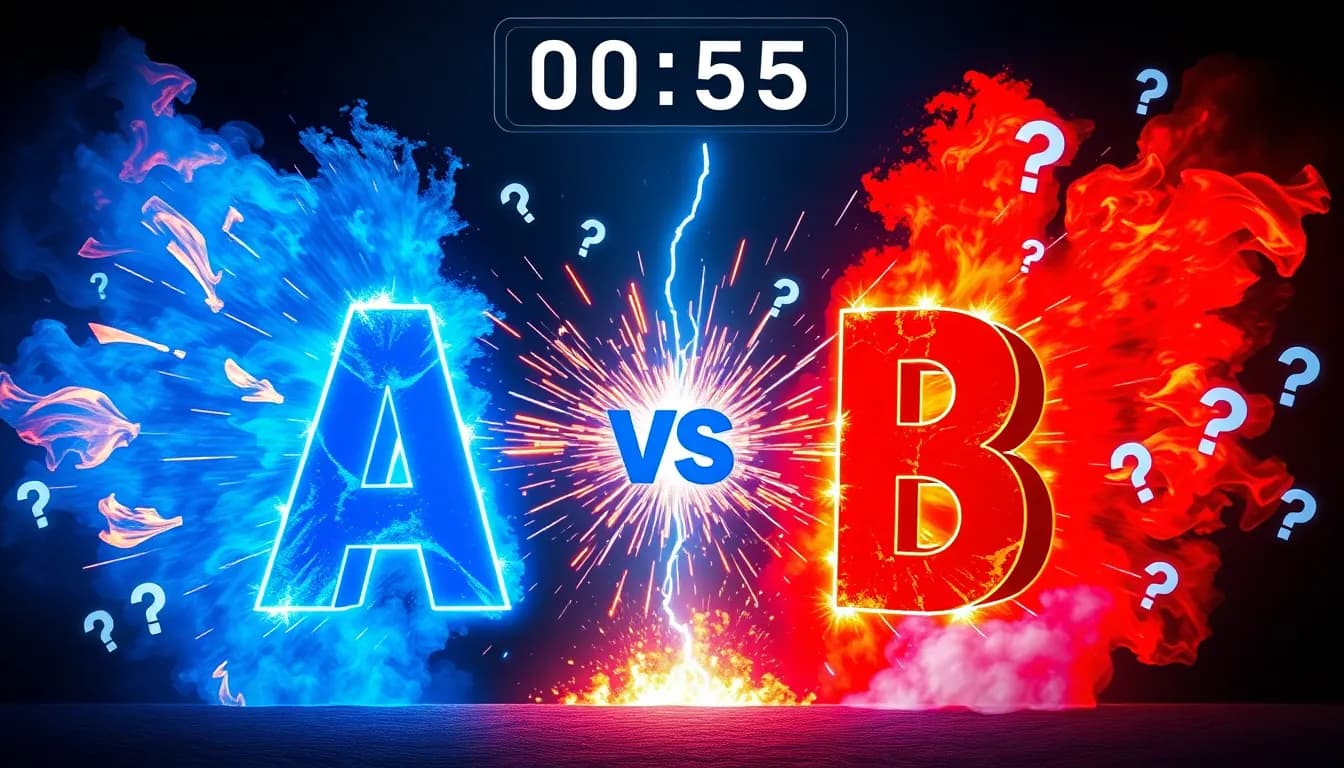
"Would You Rather" videos are interactive quiz content where viewers are presented with two choices and must pick one. These videos are incredibly engaging because they encourage audience participation, comments, and shares as people debate their choices. This format works exceptionally well because it's interactive, shareable, and encourages viewers to comment with their choices.
Why "Would You Rather" Videos Are So Effective
This content format has several key advantages:
- High Engagement: Viewers naturally want to comment with their choice, boosting your engagement metrics
- Shareability: People love sharing these videos to see what their friends would choose
- Easy to Create: You just need interesting questions - no complex scripts needed
- Versatile: Works for any niche - from funny to serious to thought-provoking
Step 1: Navigate to Would You Rather Creator
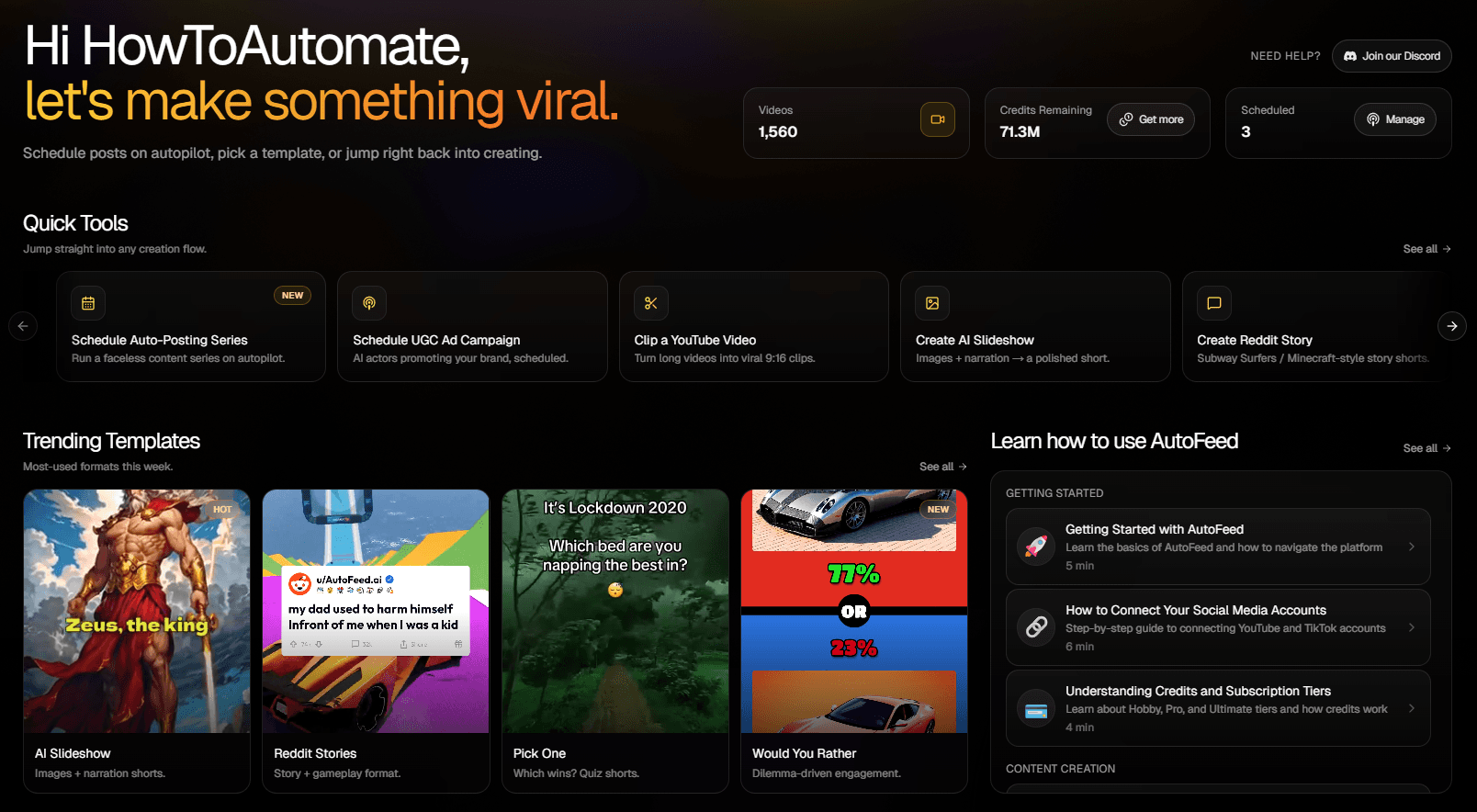
Go to Create → Faceless → Would You Rather in your dashboard. You'll see the creation interface where you can configure your quiz video.
Step 2: Choose Your Topic or Category
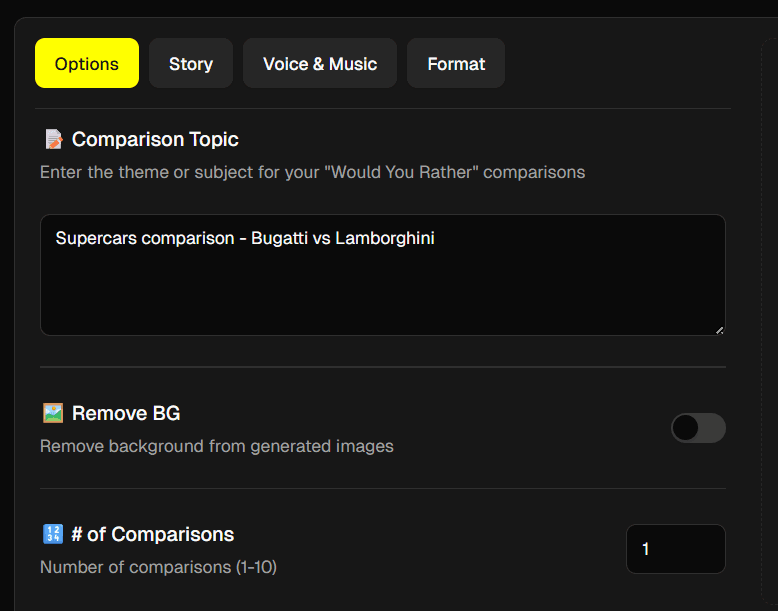
Input a custom topic for your questions. They will be generated automatically based on your topic. Popular categories include:
- Funny & Silly
- Deep & Philosophical
- Relationship & Dating
- Money & Career
- Food & Lifestyle
- Impossible Choices
Pro Tip: Pick a topic that will generate questions about something specific to your niche. Niche content leads to more views.
Step 3: Set Number of Questions
Choose how many "Would You Rather" questions you want in your video. You can typically select between 1-10 questions. More questions means a longer video.
Pro Tip: For short-form platforms, 4-6 questions (30-45 seconds) tend to perform best. Longer videos (6-10 questions) work well for YouTube Shorts.
Step 4: Generate Your Questions
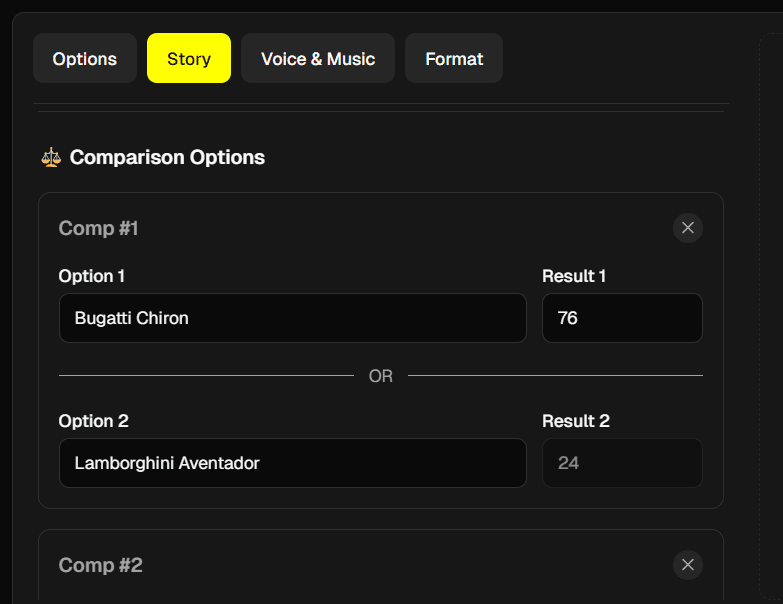
Click "Generate Comps" and AutoFeed will create engaging "Would You Rather" questions based on your topic and category. The questions will be formatted perfectly for video.
Step 5: Select Voice and Music
Choose a voice to narrate the questions and background music. The voice will read each question, and music will play throughout the video.
Step 6: Review and Customize
Review the generated questions. You can:
- Edit any questions you want to change
- Add your own custom questions
- Remove questions you don't like
- Reorder questions for better flow
Step 7: Render Your Video
When you're happy with your questions, click "Generate Would You Rather" to create your final video with timers, animations, and professional voiceover.
Best Practices for "Would You Rather" Videos
Follow these tips for maximum engagement:
Pro Tip: The best questions have two options that are both appealing (or both unappealing) in different ways. This creates genuine debate.
Pro Tip: Viewers need to understand both options quickly. Avoid overly complex scenarios and use clear, simple language.
Pro Tip: In your video title or description, ask viewers to comment with their choice. This boosts engagement significantly.
Pro Tip: Make sure your questions are suitable for your target audience and platform guidelines.
Question Ideas That Perform Well
Here are topics that drive high engagement:
High-Engagement Topics: Money vs. Time choices, superpowers and abilities, food preferences, relationship scenarios, career and lifestyle, travel and experiences.
Creative Angles: Impossible choices, "would you rather lose X or gain Y" scenarios, time-based scenarios, social situations, hypothetical situations.
Optimizing for Engagement
To maximize engagement with your "Would You Rather" videos:
- Hook in the Title: Use titles like "Would You Rather: The Hardest Choices" or "Can You Answer These Impossible Questions?"
- Ask for Comments: End your video or add to the description: "Comment your choice below!"
- Create Series: Make multiple videos with similar themes to build a series that keeps viewers coming back
- Respond to Comments: Engage with viewers who comment their choices to build community
Ready to create "Would You Rather" videos? Sign up for AutoFeed.ai and start creating engaging interactive content that drives comments and shares.
Latest from Blog
How to Turn Long YouTube Videos into Viral Clips with AI
Repurpose podcasts, interviews, and long-form videos into viral shorts in minutes

How to Create 'Pick One' Videos That Drive Massive Engagement
The forced-choice format that dominates For You pages on TikTok and Reels

Stop Wasting Your Long-Form Content: A Repurposing Playbook for Creators
Why every creator should build a repurposing pipeline - and how to do it with AI