How to Create Faceless Videos with AI: A Complete Guide
Create professional faceless videos with AI-generated visuals using AutoFeed.ai

What Are Faceless Videos?
Faceless videos are content where you don't appear on camera. Instead, you use AI-generated visuals, stock footage, animations, or other creative elements to tell your story. This format is incredibly popular because it's easier to create, more scalable, and often performs better than traditional talking-head videos.
Types of Faceless Videos on AutoFeed
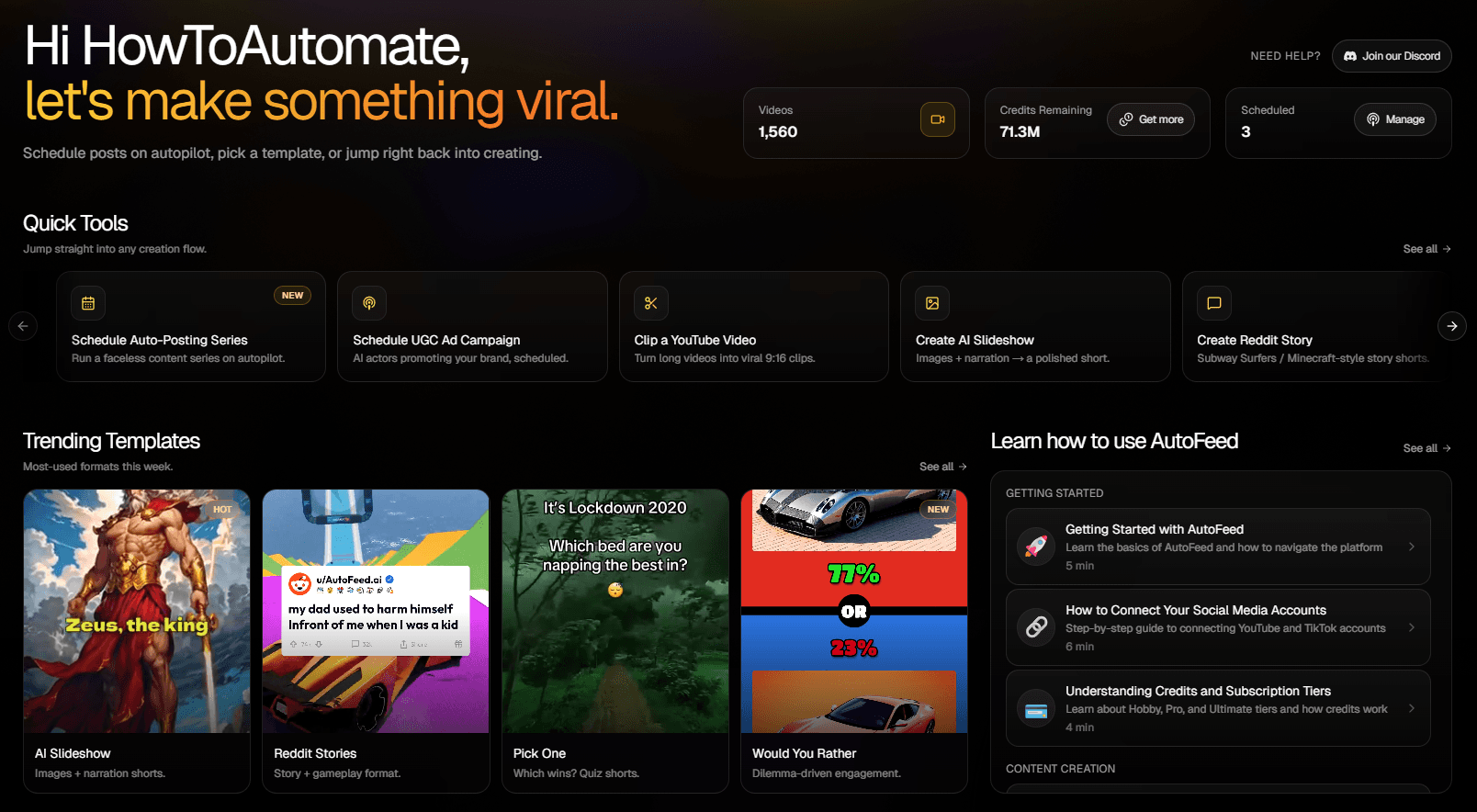
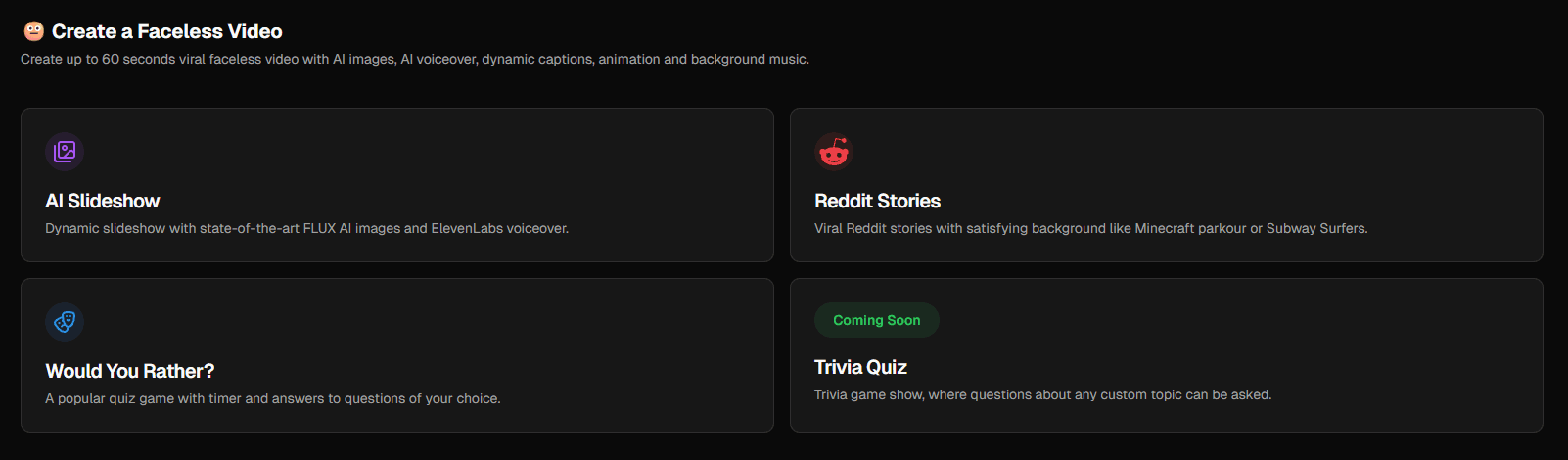
AutoFeed.ai offers three main types of faceless content, each perfect for different niches and audiences:
AI Slideshows: Dynamic slideshows with AI-generated images and professional voiceovers. Perfect for educational content, facts, stories, and motivational content.
Reddit Stories: Viral Reddit stories with engaging background videos like Minecraft or Subway Surfers. Perfect for storytime content, drama, interesting anecdotes, and viral content.
Would You Rather: Interactive quiz videos with timers and engaging questions. Perfect for engagement, interactive content, quizzes, and audience participation.
Step 1: Choose Your Video Type
Head to the Faceless Video creation page on AutoFeed.ai and select the type that best fits your content idea. Don't worry - you can always try different types later!
Step 2: Configure Your Video
Each video type has different configuration options:
- Topic/Category: Choose what your video will be about
- Duration: Select how long you want your video to be
- Voice: Pick from a library of professional AI voices
- Style: Customize the visual style to match your brand
Pro Tip: Start with default settings for your first video, then experiment with different options to find what works best for your audience.
Step 3: Generate Your Content
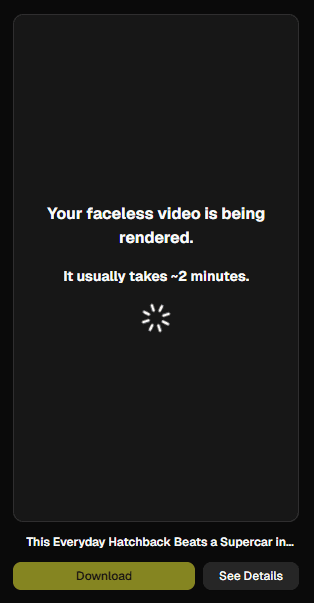
Click the generate button and AutoFeed will create your video content, including:
- AI-generated script or story
- Visual elements (images, backgrounds, animations)
- Professional voiceover
- Captions and titles
Step 4: Review and Edit
Once generated, you can review your video and make adjustments:
- Edit the script or story
- Change the voice or voice settings
- Adjust visual elements
- Modify captions and titles
Step 5: Render and Download
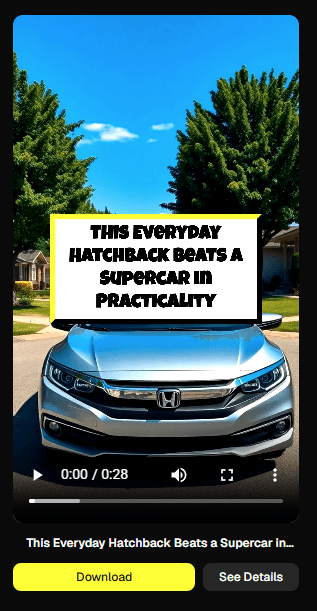
When you're happy with your video, click generate. AutoFeed will process your video and make it available for download. You can then upload it to your social media accounts or use it in an auto-posting series.
Best Practices for Faceless Videos
Follow these expert tips for better faceless content:
Pro Tip: The first 3 seconds are crucial. Make sure your opening is attention-grabbing and clearly communicates what the video is about.
Pro Tip: Even without a face, your content should be dynamic. Use varied visuals, background music, and engaging narration to keep viewers watching.
Pro Tip: Most faceless content performs best when it's 15-60 seconds long. Keep your content concise and focused.
Important: Make sure you have the rights to use any music, images, or other content in your videos. AutoFeed provides royalty-free assets, but always double-check if you're adding external content.
Scaling with Auto-Posting
Once you've created a few successful faceless videos, set up auto-posting series to automate your content creation. This allows AutoFeed to:
- Generate new videos automatically on a schedule
- Post directly to your connected social media accounts
- Maintain consistent content output without daily work
Pro and Ultimate users can run multiple series simultaneously and post more frequently! Check out AutoFeed.ai pricing for details.
Ready to create your first faceless video? Sign up for AutoFeed.ai and start creating faceless videos in minutes.
Latest from Blog

How to Turn Long YouTube Videos into Viral Clips with AI
Repurpose podcasts, interviews, and long-form videos into viral shorts in minutes

How to Create 'Pick One' Videos That Drive Massive Engagement
The forced-choice format that dominates For You pages on TikTok and Reels

Stop Wasting Your Long-Form Content: A Repurposing Playbook for Creators
Why every creator should build a repurposing pipeline - and how to do it with AI