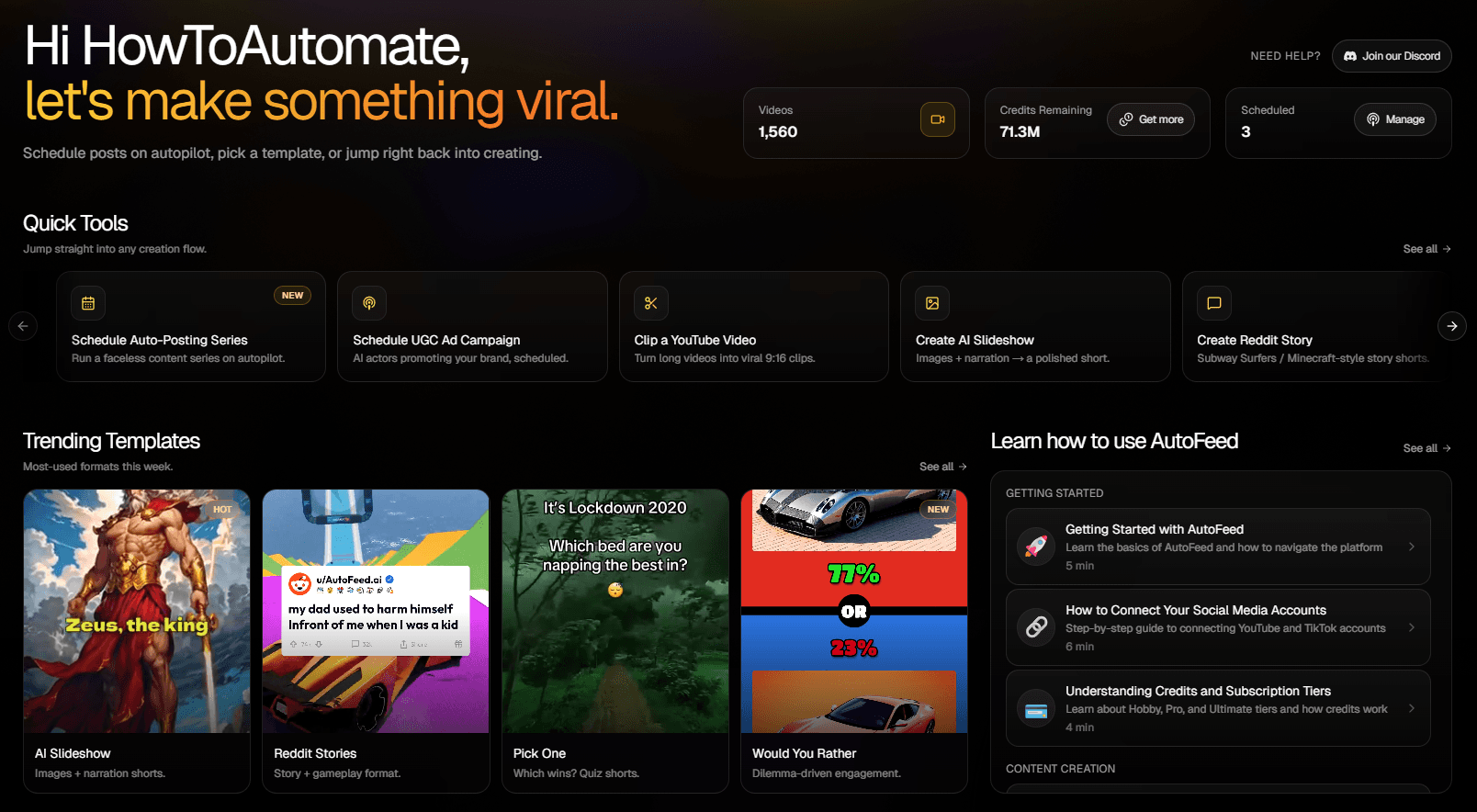
AutoFeed.ai Pricing and Credits: Which Plan Is Right for You?
Understand AutoFeed.ai's credit system and choose the perfect subscription tier

Understanding AutoFeed's Credit System
AutoFeed.ai uses a credit-based system to generate videos. Think of credits as currency - each video you create costs a certain number of credits. The more advanced features you use, the more credits you'll need.
Step 1: What Are Credits?
Credits are the units used to generate videos on AutoFeed. Every video type has a different cost:
- AI Slideshows: Cost varies based on duration and settings (approximately 3-10 credits per video)
- Reddit Stories: Standard credit cost per video (approximately 3 credits)
- Would You Rather: Standard credit cost per video (approximately 3 credits)
- UGC Ads: Standard credit cost per video (approximately 1 credit)
- AI Videos: Cost varies by AI model and settings
Step 2: How Credits Are Replenished
Credits are automatically replenished every month based on your subscription tier. You'll receive your full monthly credit allocation at the start of each billing cycle.
Pro Tip: Check your credit balance anytime in the dashboard or visit the Generation History page to see detailed usage.
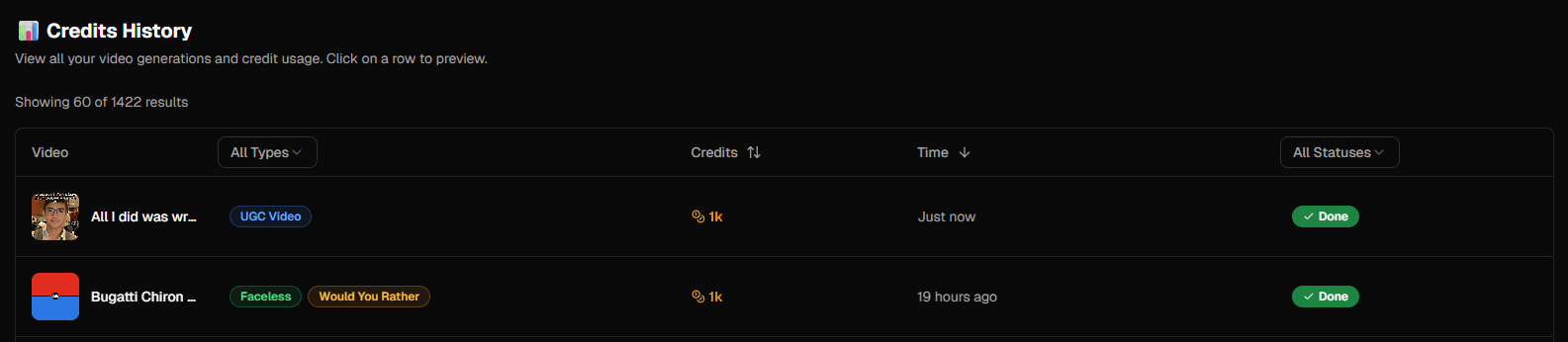
Step 3: Tracking Your Usage
You can monitor your credit usage in real-time. Every video generation deducts credits immediately, and you'll see your remaining balance update instantly.
Subscription Tiers Explained
AutoFeed.ai offers three subscription tiers, each designed for different levels of content creation. Visit AutoFeed.ai pricing for the latest prices and detailed feature comparisons.
Choose Hobby If:
The Hobby plan is perfect if:
- You're just getting started with content creation
- You want to test the platform before committing
- You post content 2-3 times per week
- You're managing 1-2 channels
Upgrade to Pro If:
The Pro plan is right for you if:
- You're posting daily and need more credits
- You want to run multiple series simultaneously
- You need daily auto-posting capabilities
- You want priority support when issues arise
Pro Tip: Most successful creators upgrade to Pro within their first month! See Pro pricing.
Go Ultimate If:
The Ultimate plan is ideal if:
- You're running multiple channels or brands
- You need maximum posting frequency (2x daily)
- You want early access to new features
- You're serious about scaling your content business
Ultimate users see 3x faster growth on average! Upgrade to Ultimate.
Maximizing Your Credits
Here are tips to make the most of your credit allocation:
- Plan your content: Use auto-posting series to generate content efficiently
- Monitor usage: Check your generation history regularly to understand your consumption patterns
- Optimize settings: Some video settings use more credits than others - experiment to find the sweet spot
- Upgrade when ready: If you're consistently running low on credits, it's time to upgrade
Ready to scale your content? View all pricing plans and choose the tier that fits your needs.
Latest from Blog

How to Turn Long YouTube Videos into Viral Clips with AI
Repurpose podcasts, interviews, and long-form videos into viral shorts in minutes

How to Create 'Pick One' Videos That Drive Massive Engagement
The forced-choice format that dominates For You pages on TikTok and Reels

Stop Wasting Your Long-Form Content: A Repurposing Playbook for Creators
Why every creator should build a repurposing pipeline - and how to do it with AI